4/ 42 checked in
- EKElif Kaya
Live attendance
Check-ins land instantly.
The code refreshes every 10 seconds by default and cannot be faked.
Manage QR codes, location checks, academic workflows and reporting on a single central platform.
Step by step
No paper lists, no manual entry. Attendance takes seconds, not minutes.
Features
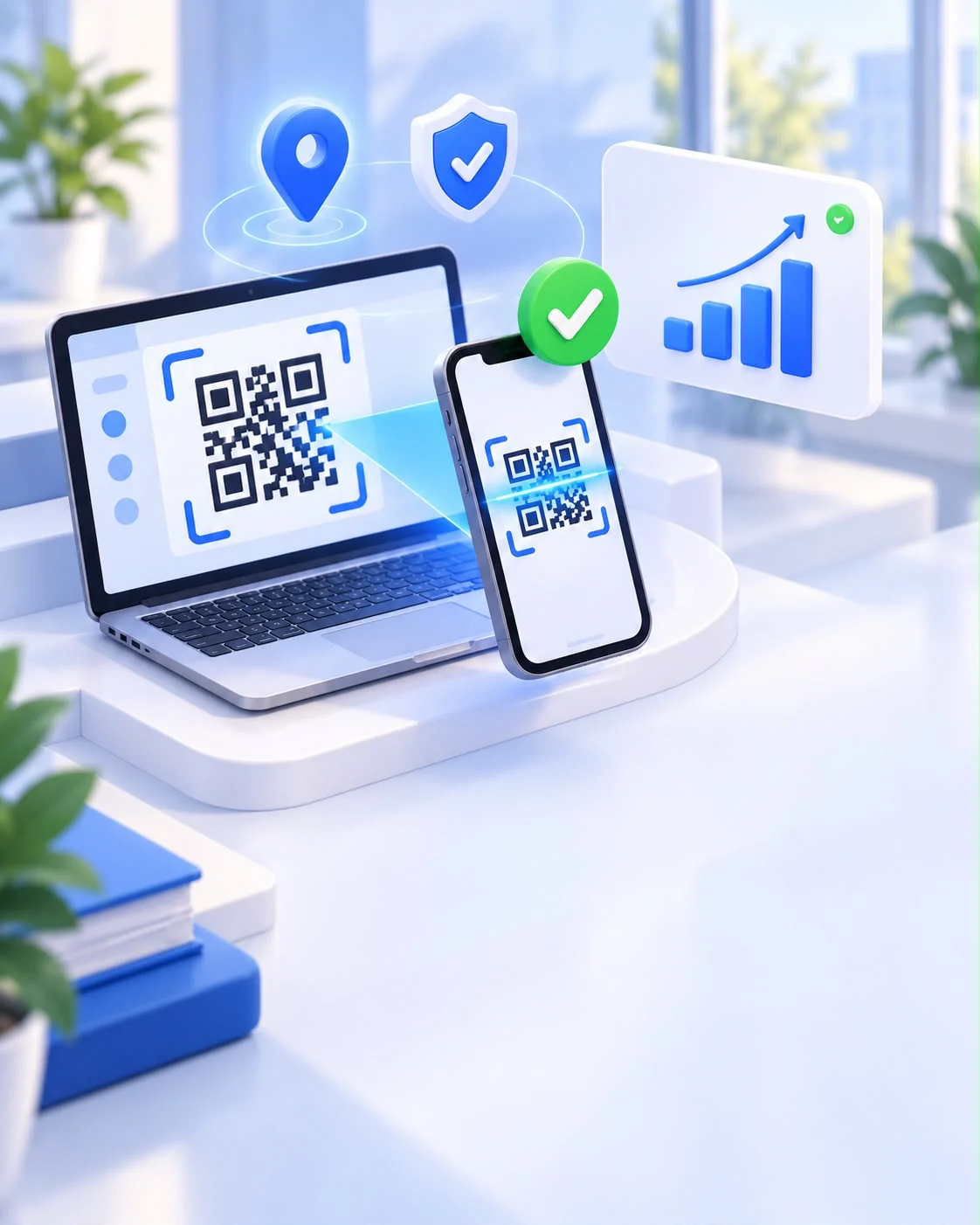
From the QR code shown in class to regulation-compliant attendance tracking.
Live attendance
The code refreshes every 10 seconds by default and cannot be faked.
Location check
The faculty area is drawn on the map; attempts from outside are rejected.
Attendance rules
Theory and practical sessions are measured against separate thresholds.

Make-up & exemptions
The academic’s request reaches Student Affairs and is recorded.

Reporting
By course, student and unit; PDF and Excel.
Anomaly detection
Multiple sign-ins from one device and out-of-area attempts are flagged.
Role-based access
Pick a role and try the panel live.
Click a card to open a mini demo for each role.
Why DAS?
Remove the manual steps from attendance and record verified check-ins instantly.

Frequently asked questions
From setup to daily use, the most common questions.
The QR code refreshes at set intervals and is signed by the server, so a shared photo of it is useless. Each sign-in is verified against the student’s registered device and their location inside the faculty area. Cases such as multiple sign-ins from one device are flagged in the risk monitor.
Rule exceptions can be defined. The location rule can be waived for students with disabilities, indoor areas or students who cannot grant device permission. If the camera is unavailable, students can join by typing the code.
An absence limit is set for each course. Theory and practical sessions can be measured against separate thresholds according to the regulation. Students approaching the limit are marked “At risk”, and those over it “Failed”.
Data is processed only for its stated purpose, and every user sees only what their role allows. Multi-factor authentication can be enforced for admin accounts, and critical actions are written to an audit log.
Yes. Institution name, logo, primary colour, domain, sign-in method and active modules are configured per installation. The interface supports Turkish, English, Azerbaijani and Indonesian.
Students sign in to the DAS mobile app with their institutional account and scan the QR code in the classroom. Open sessions appear in the app, and attendance status and history can be tracked at any time.
Yes. With the events module, attendance at conferences and events is taken by QR code; permanent and booth QR codes are supported, and attendance statistics are reported.
Can’t find your answer here? Contact us
Talk to our team about setup, licensing and configuration for your institution.
Contact Us